How Self-Hosting My Portfolio Grew into a Homelab
A look at the homelab that began with self-hosting my portfolio and expanded to research computing, data storage, and personal services.
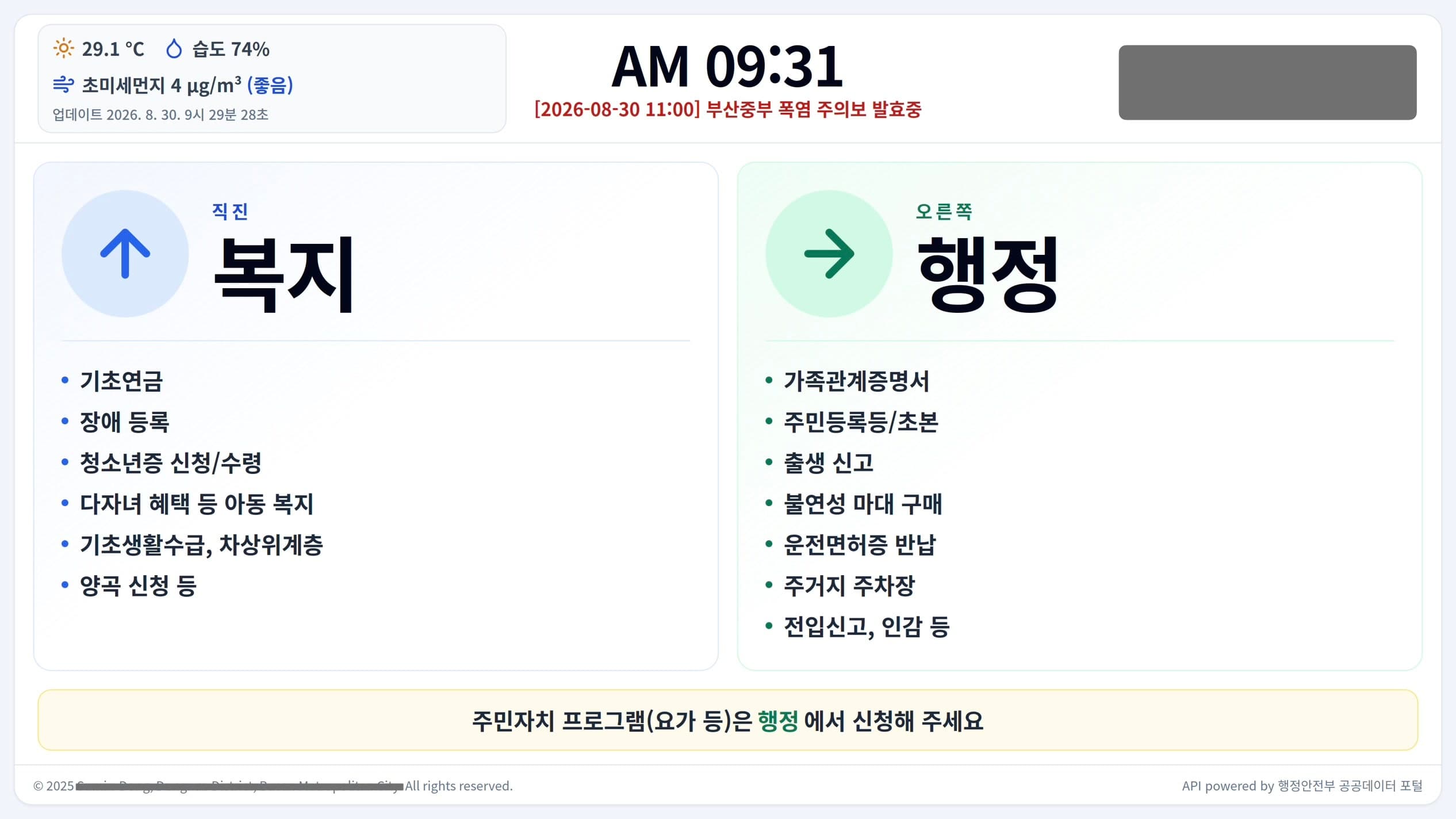
Table of Contents
From an Office Information Page to a Portfolio
The first project that eventually led to the homelab was an office information page I made in 2024–2025 while serving as Social Service Personnel. It was a simple page that directed visitors to the appropriate office for each type of work.
A PowerPoint slide would have been enough for static information, but a web page let me switch automatically to a lunchtime service-pause notice and refresh weather and air-quality information. While building it, I realized that I would need a personal portfolio as well. Drawing on my experience as an undergraduate researcher, I began hosting it myself as an after-work hobby. I now use the homelab to learn how to deploy and operate a web service.
Hosting my portfolio remains the homelab's main purpose. I also use it for research computing and data storage, followed by personal services and backups.
A Setup Organized by Role
A Raspberry Pi 5 runs the Nginx reverse proxy and the Docker container for the portfolio web application.
For research computing, I use a mini PC with 8 cores, 16 threads, and 48 GB of memory, along with two 2013 Mac Pro systems. One Mac Pro has 6 cores and 12 threads, while the other has 12 cores and 24 threads; both have 64 GB of memory. A 10-gigabit UniFi network supports this local distributed-computing setup for cosmological N-body simulations.
A Synology NAS provides CalDAV, data storage, and backups of my personal files. Running it myself requires more work, but local transfer speeds and data ownership make that tradeoff worthwhile for me.
Putting the Portfolio Online
The portfolio runs behind Cloudflare on the Raspberry Pi 5 using Nginx and Docker.
Running a public service also means managing more than the web application itself. I use UFW for the host firewall, run ModSecurity as a module built for Nginx to inspect web requests, and use CrowdSec to analyze logs and detect repeated attack activity.
What Running It Has Taught Me
Collecting logs and reviewing them consistently turned out to be very different problems. As the volume grew, deciding what to investigate first became difficult, and so did the responsibility of securing a service that I operate myself.
Updates were not always straightforward either. Because I built ModSecurity myself as an Nginx module, an Nginx upgrade once broke module compatibility. It was a practical reminder that adding a defensive component also means maintaining it over time.
Self-hosting is not the easiest way to run a portfolio. When the goal is to learn how a web service is deployed and maintained in practice, however, the setbacks are part of what makes the homelab useful.